Automated Payment Reminders That Actually Get Paid

Your clients aren't refusing to pay. Your reminder just isn't helping them.
It's the 12th of the month. Invoices went out on the 1st, payment was due on the 10th, and a third of your clients still haven't paid. So you send the usual email: “Just a friendly reminder that your invoice is overdue. Please arrange payment at your earliest convenience.” Two days later, half of them still haven't paid, and now you're making phone calls.
Most late payers aren't avoiding you. They're busy, the invoice is buried somewhere in their inbox, and your reminder gave them nothing to act on. A reminder that works is the shortest possible path from “oh right” to “paid”. Here's how to build one: what it must contain, when to send it, what to put in the subject line and which mistakes to avoid.
Why generic “please pay” emails get ignored
- There's no number in it. “Your invoice is outstanding” forces the client to go and find the invoice, check the amount and look up your bank details. Every extra step is a chance to postpone it until tomorrow.
- It reads like bulk mail. The same sentence sent to every client looks exactly like what it is. People skim past messages that could have been written for anyone.
- There's no date and no next step. “At your earliest convenience” means never. Without a deadline, your invoice loses to everything that has one.
- Nobody is behind it. An unsigned message from
noreply@gives the client no one to ask, and no reason to feel it matters.
What every payment reminder must contain
Before you think about tone or timing, make sure the client can pay straight from the email, without opening anything else:
- The exact amount — with currency, matching the invoice to the cent. Not “the balance”, not “your fee”.
- The due date — a real date, not “end of the month”.
- The invoice or reference number — so the client can find it in their records and you can match the payment to it.
- How to pay — bank account number, what to put in the transfer title, or the payment link you already use.
- A contact person — a name, a phone number and an address that someone actually reads. Late payments often come with questions: “Can I pay half now?”, “Is this the corrected invoice?”
A sample reminder with merge tags
Here's a pre-due reminder written once as a template. Every part in double curly braces is filled in from that client's own data when the email is sent:
Subject: Invoice {{invoice_number}}: {{amount_due}} due on {{due_date}}
Hi {{first_name}},
A quick heads-up: invoice {{invoice_number}} for {{service_period}} is due on {{due_date}}.
- Amount due: {{amount_due}}
- Bank account: {{bank_account}}
- Transfer title: {{invoice_number}}
If you've already paid, thank you, and please ignore this message. Any questions about the invoice? Just reply to this email or call {{account_manager}} on {{manager_phone}}.
Best regards,
{{account_manager}}
Anna sees her own invoice number, her own amount and her own due date. Mark, on the same send, sees his. No copy-pasting from a spreadsheet, and no vague “please pay”.
A reminder cadence that gets paid without burning the relationship
One reminder is rarely enough, and five identical ones are worse than useless. What works is a short sequence where each step is a little more direct than the one before:
- 3 days before the due date — friendly heads-up. Helpful, not chasing. Many clients pay right away simply because you made it easy.
- On the due date — neutral and factual. “Invoice X is due today.” Same details, no judgement.
- 3 days after — polite nudge. Assume it slipped through the cracks. Repeat the payment details in full.
- 7 days after — firmer, with a person. Ask the client to confirm when they'll pay, and sign it with a real name they can call.
- 14 days after — final notice. State calmly what happens next under your contract: a late fee, a pause in service, a call from the owner. Only mention steps you'll actually take.
The tone escalates; the information doesn't change. Every reminder in the sequence carries the amount, the date, the reference number and the payment details, because each one might be the first that the client actually reads.
Subject lines that get opened (and paid)
The subject line should tell the client what this is about before they open it. Put the invoice number, the amount or the date in it, and keep it short enough to read on a phone:
- Before due: Invoice {{invoice_number}}: {{amount_due}} due on {{due_date}}
- On the due date: Invoice {{invoice_number}} is due today
- 3 days late: Reminder: invoice {{invoice_number}} ({{amount_due}})
- 7 days late: Invoice {{invoice_number}} is 7 days overdue, can you confirm a payment date?
- 14 days late: Final notice: invoice {{invoice_number}}, {{amount_due}}
Avoid ALL CAPS, rows of exclamation marks and words like “URGENT!!!”. They sound angry, and spam filters dislike them too. A calm, specific subject line is more credible than a loud one.
Mistakes that cost you money
Wrong amounts from stale data
The fastest way to lose a client's trust is to chase them for money they don't owe. It usually happens because the reminder was built from last month's export: a partial payment isn't reflected, a credit note is missing, or the client paid yesterday. Update the amounts from your accounting software right before each send, and preview a few emails with real data before the campaign goes out.
Sending from a no-reply address
Replies are where payment problems get solved. A client who answers “I'll pay on Friday” or “that invoice went to the wrong company” is a client on the way to paying. Send reminders from a real address on your own domain, such as accounts@yourfirm.com, and make sure someone reads that inbox.
Landing in spam
A reminder in the spam folder doesn't exist. Since February 2024, Gmail and Yahoo require bulk senders to authenticate their mail with SPF, DKIM and DMARC, and other providers follow the same signals. If your SPF record has too many lookups, a typo or two conflicting entries, your reminders can be rejected or filtered without you ever knowing. Our guide on how to fix SPF record errors walks through the most common problems.
Putting every client in one BCC email
One generic message to the whole client list in BCC is both ineffective and risky: one slip into the To field and every client can see who else owes you money. Individual emails, each with the client's own figures, solve both problems.
How MailerBit helps
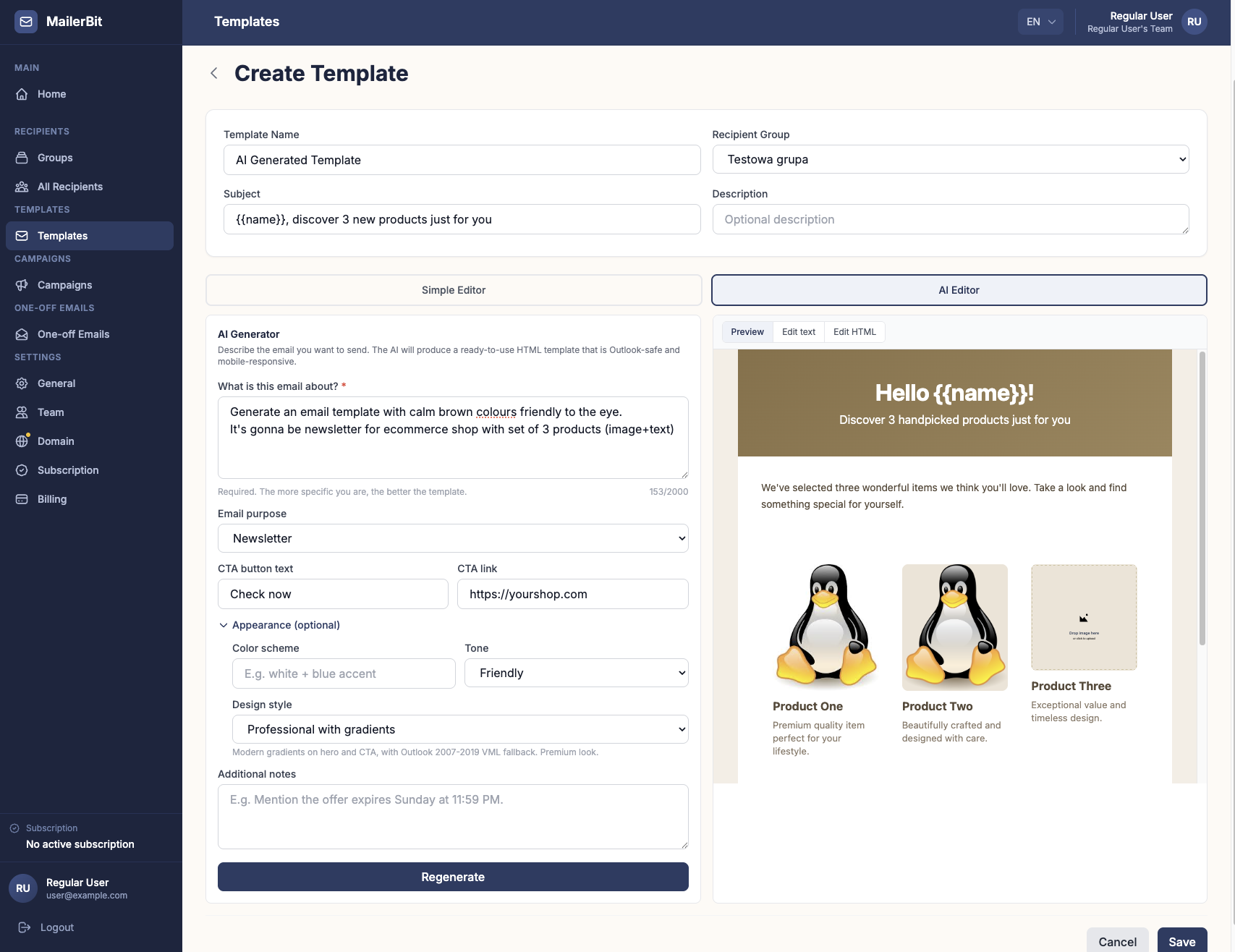
MailerBit is built for exactly this kind of email: the same message every month, with different numbers for every recipient.
- Per-recipient data. With custom fields you attach your own data to every contact:
amount_dueas a decimal number,due_dateas a date,invoice_numberandbank_accountas text. Import them from a CSV exported from your accounting software and update all existing contacts in one import. Each field becomes a merge tag in your template. Templates also support simple math, so a contractual late fee can be added at send time with{{amount_due + late_fee}}. - Scheduled, hands-off sending. Recurring campaigns run on the day of the month you choose, at the hour and in the time zone you set. If your clients share a billing cycle, for example everyone pays by the 10th, each step of the cadence becomes its own recurring campaign: one on the 7th, one on the 10th, one on the 13th, and so on.
- Fresh data on every run. Each send uses the current values on the contact list. Point the overdue steps at a list that holds only open invoices, refresh it from your accounting export before each run, and clients who have paid won't be chased. You can preview emails with real client data before sending, and pause a campaign at any time.
- Your own domain. Reminders go out from your verified domain, with your name in the From field, so the domain reputation you build is your own. Accounts with bounce rates above 5% or complaint rates above 0.1% are paused automatically, so other senders can't drag the platform down.
Accounting offices use this for monthly tax and fee notices. The accounting industry page shows a complete example, from CSV import to a scheduled send on the 20th.
Stop chasing, start getting paid
Good payment reminders aren't pushy. They're specific: the right amount, the right date, the right account and a real person to talk to, sent at the right moments. Set them up once and stop copy-pasting fifty emails every month. Start your 7-day free MailerBit trial and build your first reminder sequence today.