Email Automation for Accounting Offices
Stop spending hours every month copying tax amounts into individual emails. MailerBit sends tax payment reminders, deadline notifications, and billing updates automatically — set it up once, it runs every month without you lifting a finger.
The Problem
Hours of Manual Work
Every month you copy PIT amounts, VAT totals, and account numbers into individual emails for each client. With 50+ clients, that is an entire workday wasted on repetitive copy-paste.
Risk of Mistakes
Wrong amount in the wrong email. A decimal in the wrong place. A client receiving someone else's tax data. Manual sending means manual errors — and in accounting, errors cost money.
Same Work, Every Month
The email structure never changes — only the amounts do. Yet every month you repeat the same process from scratch: open spreadsheet, copy amount, paste into email, send, repeat.
How MailerBit Solves This
Import your client data via CSV
Upload a CSV file with your client list and their individual data: name, email, PIT amount, VAT amount, ZUS amount, account number, payment deadline — as many fields as you need. MailerBit stores all of it.
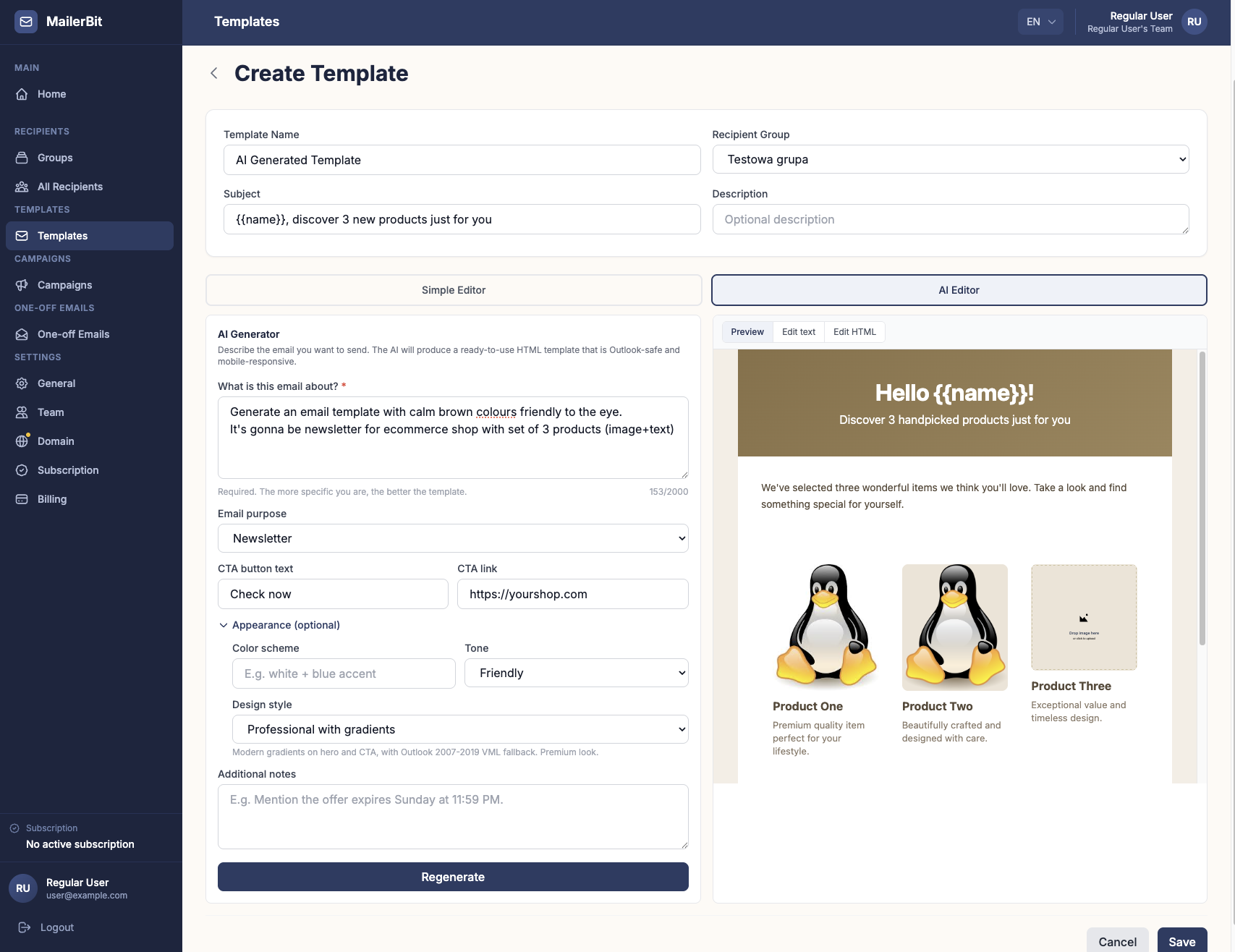
Create an email template with merge tags
Write your email once, using merge tags where individual data should appear: {{pit_amount}}, {{vat_amount}}, {{zus_amount}}, {{account_number}}. Each client receives their own correct amounts automatically.
Schedule a recurring send
Set the recurring send to run automatically on the 20th of each month (or any day you choose). MailerBit sends all emails on schedule — you just update the amounts in your contact list when they change. No manual sending required. Your own fee invoices can go out the same way: with payment tracking you see which clients received and opened the invoice, who has paid and who is overdue.
Example Email
From: your-office@yourdomain.com
Subject: Tax payment reminder — April 2026
Dear {{client_name}},
Below are your tax obligations for April 2026. Please make the payments by the deadline shown below.
{{pit_amount}} PLNVAT:{{vat_amount}} PLNZUS:{{zus_amount}} PLNAccount:{{account_number}}Deadline:{{payment_deadline}}If you have any questions, please contact our office.
Why Accounting Offices Choose MailerBit
Unlimited Data Fields
PIT, VAT, ZUS, CIT, account numbers, deadlines — add as many custom fields per client as you need. No limits, no extra cost.
Recurring Monthly Sends
Schedule emails to go out on the 20th of every month (or any date). The system sends automatically — you only update amounts when they change.
Send from Your Domain
Emails arrive from your-office@yourdomain.com, not from a generic sender. Clients see your brand and trust the message.
CSV Import
Export from your accounting software, import into MailerBit. Update all your clients' data in one import — no manual entry required.
Built-in Calculations
Each merge tag can do one calculation, e.g. {{pit_amount + vat_amount}} or a gross amount with {{net_amount * 1.23 | round(2)}}, right in the email template. For a total of three or more amounts, keep it as its own column in your CSV.
Preview Before Sending
Preview every email with real client data before the monthly run goes out. Catch errors before your clients do.
Automate Your Monthly Client Emails
Set up your tax reminder workflow in minutes. The interactive demo lets you explore the full interface — no account or credit card required.